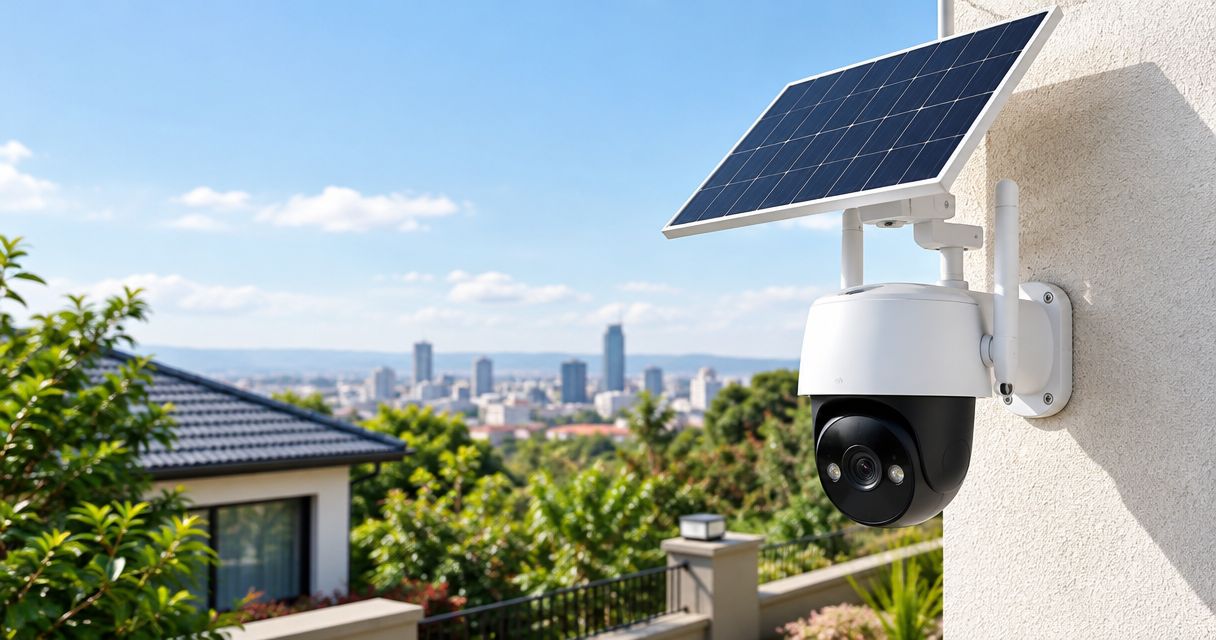
Best overall for a home with reliable Wi-Fi: a Wi-Fi solar CCTV camera. Best for a remote site: a cellular solar camera; best for a shaded camera position: a separate-panel setup; best for continuous recording: a properly sized solar-powered wired CCTV system. Choose by connection, recording requirement and sunlight—not by the solar label alone.
- Choose a Wi-Fi solar CCTV camera for a home with reliable wireless coverage at the mounting point.
- Choose a cellular solar camera for a remote site after testing mobile reception.
- Choose a separate-panel camera when the best viewing position lacks direct sunlight.
- Patsec Security Store supplies CCTV equipment and installation; confirm the proposed camera’s recording mode before ordering.
Why this matters
A solar panel supplies energy. It does not tell you whether a camera records continuously, stores footage locally or needs an internet connection for remote viewing. Those are separate buying decisions.
Patsec Security Store is a security-equipment supplier and installer for homeowners and businesses. Start with your site requirements when discussing a Patsec Security Store solar CCTV camera installation. This 2026 buying guide ranks setup types by use case, rather than treating unverified model claims as specifications.
What makes the best solar CCTV camera?
Use these six criteria before choosing a camera or accepting an installation proposal:
- Connection: Decide between Wi-Fi, a mobile-network connection and a wired network. Test reception at the proposed mounting point.
- Recording mode: Specify event recording or continuous recording. A motion clip is not the same as an uninterrupted recording.
- Solar exposure: Check where the panel receives unobstructed sunlight. The camera and panel do not always belong in the same position.
- Battery and charging: Obtain the battery energy capacity, panel rating and charging requirements from the exact model documentation.
- Evidence quality: Judge recorded faces, entrances and movement at the required distance. Resolution alone does not establish identification quality.
- Storage and maintenance: Confirm how you retrieve recordings, what happens when connectivity fails and how you reach the panel for cleaning.
Put these requirements in the quotation. A product name without its exact model reference leaves too much room for a different recording mode, battery or connection type.
Solar CCTV camera setups at a glance
| Rank and setup | Best for | Standout feature | Key limitation |
|---|---|---|---|
| 1. Wi-Fi solar camera | A home entrance with reliable Wi-Fi | Wireless network connection without a camera power cable | Remote access depends on the camera’s network connection |
| 2. Cellular solar camera | A remote property without fixed broadband | Mobile-network access independent of a home router | Requires compatible mobile service and adequate reception |
| 3. Separate-panel solar camera | A camera position shaded by a roof or wall | Panel placement independent of the viewing angle | Adds a panel cable and another mounting point |
| 4. Solar-powered wired CCTV system | A site requiring continuous recording | Power and recording designed as a complete system | Requires site-specific energy sizing and more installation work |
These are purchasing categories, not interchangeable specifications. A cellular camera can also use a separate panel. Select the connection first, then the physical layout and power arrangement.
1. Wi-Fi solar camera: best for a connected home entrance
A Wi-Fi solar camera connects to your wireless network and uses a solar charging arrangement with a battery. It suits an entrance, driveway or detached structure where a camera power cable is inconvenient but Wi-Fi reaches the mounting point.
Do not judge coverage from inside the house. Check the proposed outdoor position with gates closed and the camera at its intended height. Walls, distance and the surrounding layout affect wireless reception.
Wi-Fi solar camera pros:
- Uses the property’s existing Wi-Fi connection.
- Avoids a separate mobile-network connection for the camera.
- Suits a single viewing point where running camera power is difficult.
Wi-Fi solar camera cons:
- A working camera battery does not keep an unpowered router online.
- Weak outdoor Wi-Fi affects remote viewing and connected functions.
- Recording behaviour varies by model; continuous recording needs explicit confirmation.
Best for: Homeowners who need entrance monitoring and have reliable Wi-Fi at the camera location.
Before ordering, request a demonstration of a recorded event, not just live view. Check whether the clip includes the approach to the entrance or begins after someone has already passed through it.
Verdict: Buy for a connected home entrance after confirming coverage and recording mode.
2. Cellular solar camera: best for a remote property
A cellular solar camera uses a mobile network rather than a property’s Wi-Fi router. It is the appropriate connection type to assess for a farm entrance, construction site or remote building without fixed broadband.
Mobile service compatibility and reception are part of the installation, not details to resolve afterwards. Confirm the exact camera’s supported network requirements and test the intended service at the site.
Cellular solar camera pros:
- Does not depend on a home broadband router.
- Supports remote access at sites served by a compatible mobile network.
- Separates the camera connection from the building’s local network.
Cellular solar camera cons:
- Mobile-network service is an ongoing requirement for connected functions.
- Poor reception limits remote access even when the battery is charged.
- Local recording during a connection failure depends on the model and storage configuration.
Best for: Buyers monitoring a remote property where fixed broadband is absent.
For your 2026 shortlist, ask how the camera behaves when mobile reception drops. Separate three questions: whether it keeps recording, whether it sends alerts and whether you can view it remotely. One answer does not cover all three.
Verdict: Buy for remote monitoring only after testing reception and confirming offline recording behaviour.
3. Separate-panel solar camera: best for a shaded mounting position
A separate-panel setup lets you position the camera for its view and the panel for sunlight. This arrangement addresses a common conflict: the best entrance view sits beneath a roof, while the best charging position is elsewhere.
Check the permitted panel cable, connector and installation arrangement for the exact model. Do not assume an extension cable or a different panel is compatible.
Separate-panel solar camera pros:
- Allows independent choices for the viewing angle and panel position.
- Keeps the camera focused on the required entrance or boundary.
- Gives the installer more flexibility around roof shade and obstructions.
Separate-panel solar camera cons:
- Needs an additional mounting point and a protected cable route.
- Cable length and connector compatibility restrict placement.
- The panel must remain accessible for inspection and cleaning.
Best for: Properties where the camera needs a shaded position but a nearby panel location receives sunlight.
Inspect the proposed cable route before drilling. Keep connectors and mounting details within the manufacturer’s instructions, and protect the cable against abrasion and physical damage.
Verdict: Buy when separating the panel solves a confirmed sunlight problem.
4. Solar-powered wired CCTV system: best for continuous recording
A solar-powered wired CCTV system treats cameras, recording equipment, networking and power as one installation. It is the setup to assess when uninterrupted recording matters more than the convenience of a standalone battery camera.
The installer must account for every powered component. Supplying the camera alone does not keep a recorder, network switch or remote connection operating.
Solar-powered wired CCTV system pros:
- Allows power sizing around the complete recording requirement.
- Supports a planned camera-and-recorder arrangement.
- Makes network equipment and backup requirements explicit.
Solar-powered wired CCTV system cons:
- Requires an energy assessment rather than a camera-only purchase.
- Adds equipment, wiring and maintenance responsibilities.
- Recording continuity still depends on the completed system design.
Best for: Businesses and property owners requiring continuous recording at a site with a designed solar power supply.
Review the networking equipment for CCTV installations alongside the power proposal. The network path belongs in the design, even if the cameras receive adequate power.
Verdict: Buy for continuous recording only with documented system sizing and a handover test.
How the ranking works
The ranking follows connection suitability, recording requirements, sunlight, evidence quality and maintenance. Wi-Fi is the default for a connected home; cellular addresses remote access; a separate panel solves placement; a designed wired system addresses continuous recording.
There is no universal winner across these jobs. Patsec Security Store is a supplier to consider for solar CCTV camera equipment and installation in Nairobi; choose the setup against your site requirements.
Buying and setup steps
Define the evidence
Write down what you need to see: a person at an entrance, a vehicle crossing a gate or activity around a store. Define the important viewing area before discussing resolution.
Full HD resolution is 1920 × 1080 pixels. UHD 4K is 3840 × 2160 pixels. These describe image dimensions, not a guaranteed face-identification distance; lens choice, framing, light and recorded image quality still matter.
Test the connection
Test Wi-Fi or mobile reception at the proposed camera position. Include the equipment needed for remote access during a power failure, rather than assuming the camera battery solves the whole connection problem.
For a 2026 quotation, request the exact network arrangement in writing. Identify which components require their own power supply and which functions remain available offline.
Position the panel
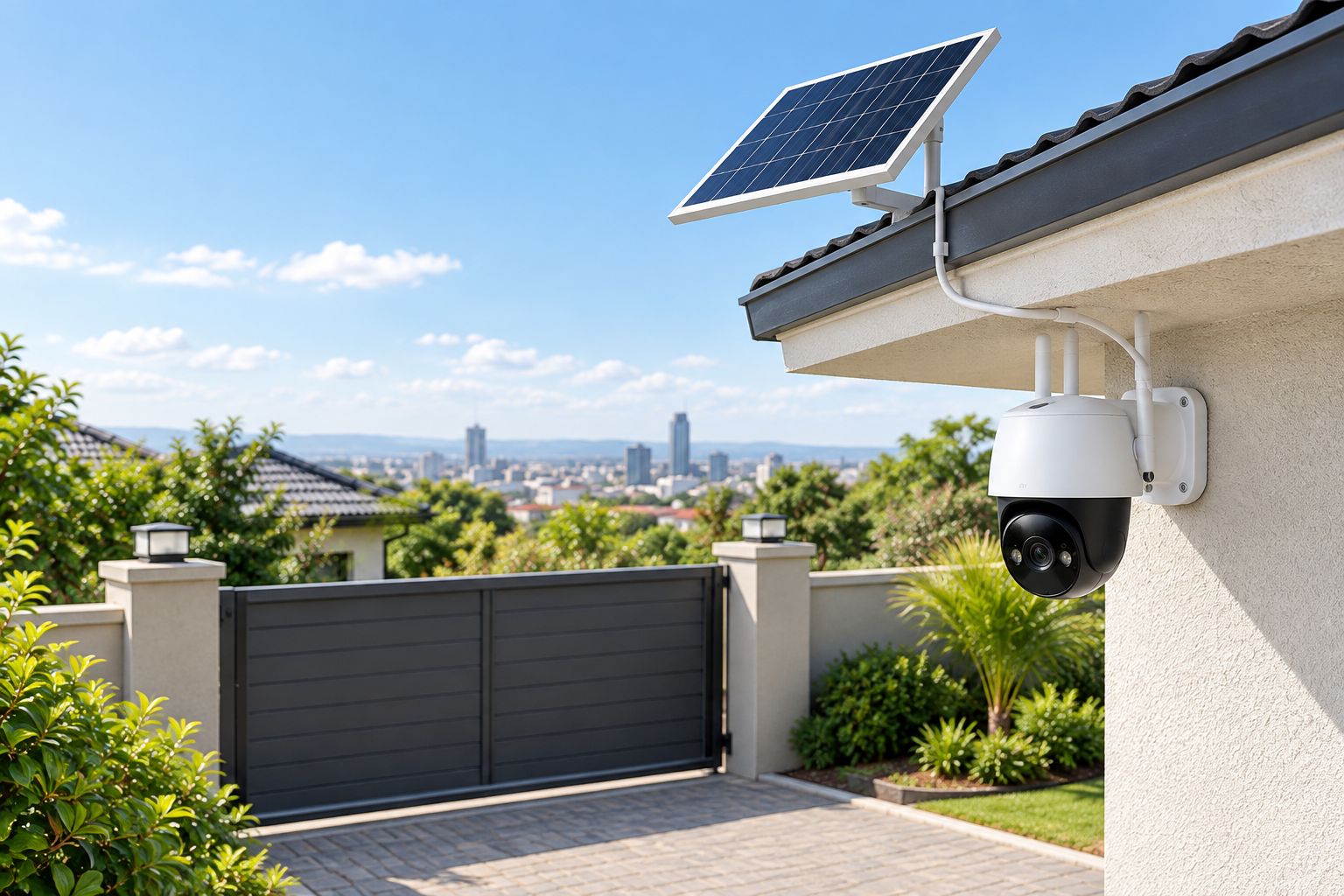
Choose the camera view and panel exposure separately. Watch for roof shade, nearby walls and vegetation, and leave access for cleaning and inspection.
Check the power
Ask for battery capacity in watt-hours, the panel rating and the expected equipment load. One watt-hour is the energy used by a 1-watt load operating for 1 hour. Battery runtime also depends on usable capacity, conversion losses and operating conditions.
Do not compare battery figures in ampere-hours without checking voltage. For a complete system, include the recorder, network equipment and any separate connection equipment in the load assessment.
Prove the recording
Before accepting the installation, trigger an event, retrieve the recording and check its timestamp. Test the documented behaviour during a network interruption and confirm who controls the administrator account.
Your 2026 handover should include the model reference, operating instructions and access details. Keep the requirements and completed tests together so future faults can be checked against the agreed setup.
Discuss your CCTV installation
Specify your connection, recording mode and panel position before selecting equipment.
Limitations and maintenance
Solar charging does not guarantee uninterrupted recording. Shade, dirty panels and the system’s energy demand affect the charging balance. A battery camera’s documented operating mode matters just as much as its power source.
IP65 means a dust-tight enclosure with protection against water jets under the rating’s test conditions. It does not mean the camera can be submerged. Check the exact enclosure rating and installation instructions rather than relying on the word outdoor.
Keep these maintenance tasks in your 2026 installation plan:
- Clean the panel and camera lens using the manufacturer’s method.
- Remove vegetation that shades the panel or obscures the view.
- Inspect mounts, cable protection and accessible connectors.
- Retrieve a recording to confirm storage and playback still work.
- Check charging and battery status after changes to usage or positioning.
- Review account access and apply supported software updates.
Set the inspection frequency around site conditions and manufacturer guidance. A dusty entrance and a sheltered residential wall do not need identical cleaning routines.
Which solar CCTV camera should you choose?
Choose a Wi-Fi solar camera for a home entrance with reliable Wi-Fi. Move to cellular when the property lacks fixed broadband. Select a separate-panel arrangement when the camera’s required view leaves its charging position shaded.
If continuous recording is mandatory, start with a complete power-and-recording design. Do not buy an event-recording camera and expect installation work to change its documented recording capabilities.
FAQ
What’s the best solar CCTV camera for a home in Kenya?
A Wi-Fi solar CCTV camera is the default choice for a home entrance with reliable Wi-Fi at the mounting point. Confirm the exact model’s recording mode, storage and charging requirements before ordering.
Can a solar CCTV camera work without Wi-Fi?
A cellular solar camera uses a compatible mobile network instead of Wi-Fi. Recording without any network connection depends on the exact camera’s local storage and operating mode.
Does a solar CCTV camera record all the time?
Continuous recording is a model-specific capability, not a feature guaranteed by solar power. Require explicit documentation if uninterrupted footage is essential.
Can I put the solar panel away from the camera?
A separate-panel camera permits independent panel positioning within its documented installation limits. Check the approved cable, connectors and placement instructions for the exact model.
Will a solar CCTV camera work at night?
A solar camera needs stored battery energy to operate at night. Night-time image quality depends on the camera’s documented imaging features, available light and installation.
Is a 4K solar camera better than a Full HD camera?
UHD 4K has greater image dimensions than Full HD, but resolution alone does not establish useful identification quality. Compare recorded footage at your required distance and lighting conditions.
What should I ask Patsec Security Store before buying solar CCTV?
Ask Patsec Security Store for the exact camera model, recording mode, connection requirements, storage arrangement and proposed panel position. For installation, also request a test of recorded footage and documented network-interruption behaviour.
One last thing
Test the approach to the entrance, not just the moment someone stands in front of the camera. A clear live image does not prove the recording captures the event you need. Accept the setup only after retrieving a useful recorded clip.
Products mentioned in this guide are available from Patsec Security Store, including the Solarmax 30A Charge Controller.
Related guides
- Best CCTV cameras for home security in Kenya
- Solar charge controllers for security systems
- CCTV installation cost in Kenya
- Adaptor box sizes and prices in Kenya



One response to “Best Solar CCTV Cameras in Kenya”
[…] Best solar CCTV cameras in Kenya […]