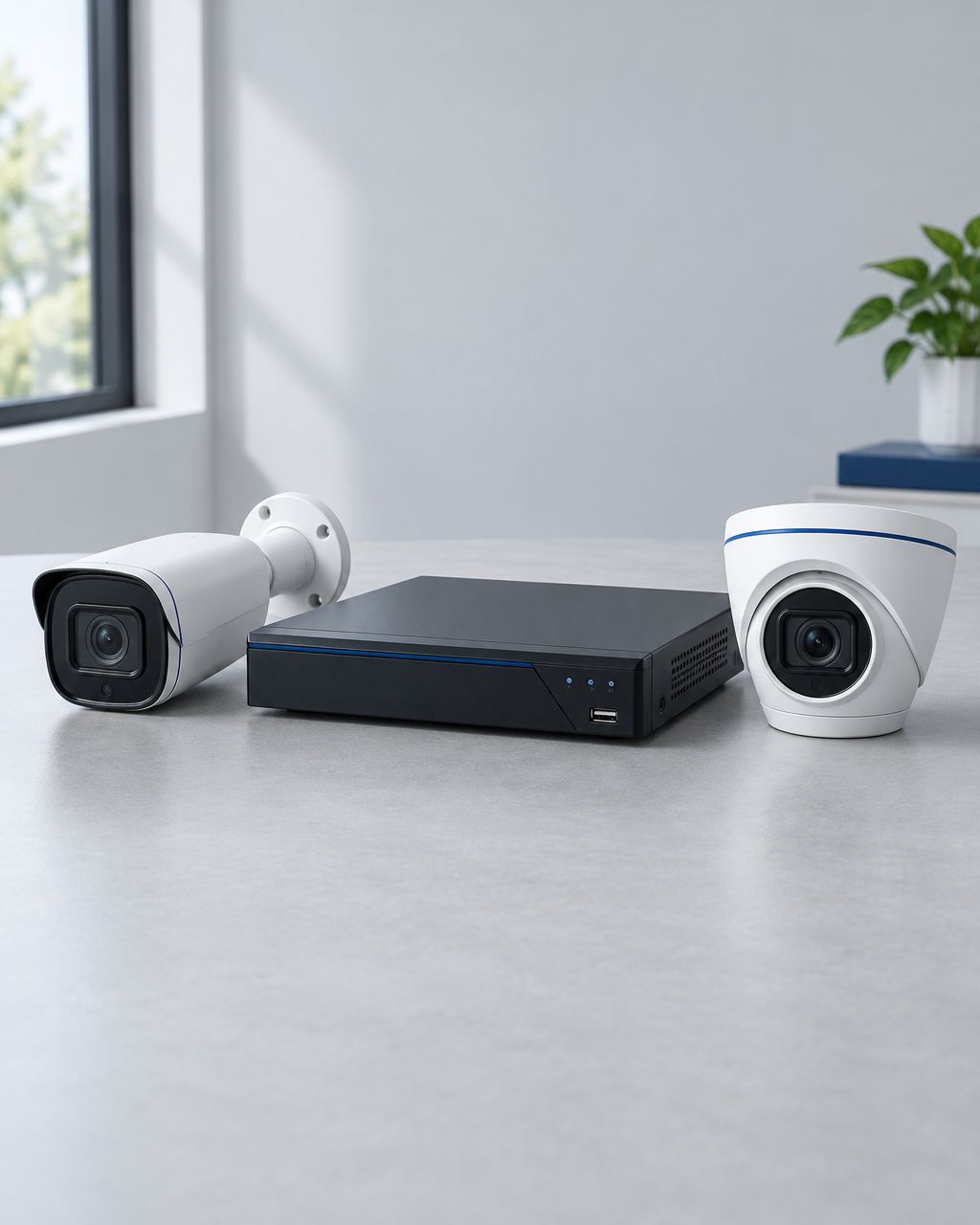
Start with Hikvision or Dahua for a wired office CCTV system; consider Uniview for a new IP-camera installation, EZVIZ for app-led home monitoring, and CP Plus for a specified analog-camera upgrade. The right choice is the camera-and-recorder combination that captures usable evidence at your premises, not the brand with the longest feature list.
- The best CCTV camera brand in Kenya depends on your recording system, lighting and installation requirements.
- Compare Hikvision and Dahua for wired office surveillance; assess Uniview for a new IP-camera system.
- Consider EZVIZ for app-led home monitoring and CP Plus for a compatible analog-camera replacement.
- Patsec Security Store supplies security equipment and installation support; confirm the exact camera model before ordering.
Why the brand alone is not enough
A Nairobi office entrance, a shop counter and a home compound need different views. Choose the recording system first, then select cameras for each location. Use the CCTV installation buying guide to compare installation scope alongside equipment.
A camera that shows a wide room does not automatically capture a readable face at the doorway. A colour-night-viewing feature also does not establish how clearly moving subjects appear. Ask for a demonstration under lighting and distances that resemble your site.
Patsec Security Store provides CCTV buying and installation support for homeowners and businesses in Nairobi. Share your coverage requirements before selecting a model, rather than buying cameras first and trying to make them fit later.
What makes a CCTV brand suitable for your site?
Use these checks to compare complete systems:
- Recording architecture: Match network cameras to a compatible network recorder, or analog cameras to a recorder that accepts their video format.
- Evidence quality: Assess faces, movement and backlit entrances in recorded footage, not only a live image.
- Lens and placement: Specify the area each camera must cover. A wide overview and a narrow identification view serve different purposes.
- Power and cabling: Confirm how every camera, recorder and network device receives power, including during an outage.
- Playback and access: Test finding an incident, exporting a clip and controlling who can view recordings.
- Support and maintenance: Confirm the exact model, installation responsibility and process for software updates and repairs.
These criteria matter more than comparing unrelated cameras by brand. Keep the required use case constant when requesting quotations.
CCTV brands at a glance
| Brand | Best-fit use case | Product families to compare | Main buying limitation |
|---|---|---|---|
| Hikvision | An office comparing wired IP and analog options | Network cameras and Turbo HD cameras | Features and recording compatibility depend on the exact model |
| Dahua | Replacing or expanding an existing Dahua installation | Network cameras, HDCVI cameras and recorders | Existing recorder support must be checked before adding cameras |
| Uniview | A new IP-camera system with central recording | Network cameras and network video recorders | Cross-brand features require confirmation, not assumptions |
| EZVIZ | Home monitoring centred on a mobile app | Indoor Wi-Fi cameras and other home-camera ranges | Storage, power and recorder integration vary by model |
| CP Plus | An analog-camera upgrade with a defined specification | Analog HD cameras, DVRs and network-camera options | Verify the local model and recorder format before purchase |
These are buying routes, not a claim that every model from a brand suits the same job. The comparison is based on manufacturer product information and installation requirements, not a laboratory reliability ranking.
1. Hikvision: best starting point for comparing wired office systems
Hikvision offers network-camera and Turbo HD product families. That makes it a useful starting point when deciding between a new network installation and an upgrade that retains analog-camera cabling. Choose the architecture before comparing individual models.
For an office, specify the reception view, entrance identification view and any external coverage separately. Do not assume that a feature named on one Hikvision camera is included across the range. Confirm the recording resolution, supported functions and lens in the quotation.
Hikvision strengths for this use case:
- Network and Turbo HD families provide separate routes for different installation types.
- Camera selection can follow the recording architecture rather than forcing every site into the same setup.
- The manufacturer's product documentation gives a basis for model-by-model checks.
Hikvision limitations:
- A Hikvision label alone does not confirm camera-to-recorder compatibility.
- Night viewing, audio and detection features must be verified for each model.
For a network-camera cable run, Patsec Security Store lists Hikvision 305 M CAT6 UTP Network Cable Solid Copper. This is a cable product, not a camera or a complete surveillance kit. Ask your installer to specify the cable route and suitable network power equipment separately.
Best for: An office that needs a clear comparison between wired system types. Verdict: Buy only after the camera, recorder and coverage plan are matched.
2. Dahua: best starting point for an existing Dahua system
Dahua offers network cameras, network recorders and HDCVI cameras and recorders. If you already use Dahua equipment, identify the recorder model before ordering additions. Working from the existing system reduces the chance of selecting a camera whose functions the recorder cannot use.
A replacement quote should state whether the original cable and power arrangements remain suitable. Ask the installer to demonstrate live viewing, recorded playback and any required alerts with the proposed model. Matching the brand is only the beginning of that check.
Dahua strengths for this use case:
- Separate network and HDCVI ranges support different recording architectures.
- Recorder and camera documentation helps define an expansion or replacement specification.
- A same-system comparison keeps the existing recording workflow in view.
Dahua limitations:
- A newer camera does not automatically provide all its features through an older recorder.
- Features from named product ranges must not be attributed to every Dahua camera.
For a shop counter, prioritise a view that shows the transaction area without letting bright entrance light obscure the subject. For an office doorway, test the recorded image while someone moves through the entrance. These checks apply whether the selected system is Dahua or another brand.
Best for: A buyer extending a documented Dahua installation. Verdict: Buy a verified compatible model; hold if the recorder specification is unknown.
3. Uniview: best comparison option for a new IP-camera installation
Uniview offers network cameras and network video recorders. Include it in your shortlist when planning a new centrally recorded IP-camera system. A new installation lets you specify the cameras, recorder, network and storage together instead of working around undocumented equipment.
Write down how the premises will expand before accepting a quote. Ask whether the proposed recorder and network design support that plan. A spare connection is not enough if the rest of the system cannot support the additional cameras at the required settings.
Uniview strengths for this use case:
- Network cameras and recorders can be evaluated as a complete recording design.
- The product portfolio supports comparison across camera and recorder roles.
- A new system can be specified around required views and playback tasks.
Uniview limitations:
- Compatibility with another manufacturer's equipment requires model-specific confirmation.
- Basic video support does not establish that every alert, audio or advanced function will work across brands.
Ask for a demonstration of the functions you intend to use. If remote access is required, include it in the handover test, together with user permissions and clip export. Do not leave those checks until after installation payment.
Best for: A business specifying a new IP-camera and recorder system together. Verdict: Hold until the complete configuration and local support arrangements are confirmed.
4. EZVIZ: best fit for app-led home monitoring
EZVIZ's indoor Wi-Fi camera range is relevant when your main requirement is checking a room through a mobile app. The manufacturer's C6N G1 3K page describes pan-and-tilt viewing, local memory-card storage and CloudPlay storage options. Those specifications apply to that model, not automatically to other EZVIZ cameras.
The C6N G1 3K specification lists support for a microSD card up to 512 GB. Its manufacturer also says that local storage cards are purchased separately and cloud-service availability varies by market. Confirm the model and applicable service options before buying.
EZVIZ strengths for this use case:
- The indoor Wi-Fi range is directly relevant to app-led room monitoring.
- Pan-and-tilt models let you adjust the view through their supported controls.
- Selected models provide local recording as well as cloud-service options.
EZVIZ limitations:
- Wi-Fi does not mean that a camera is battery powered.
- Cloud services and integration with a separate recorder require specific checks.
For an office that requires managed access and central incident retrieval, compare the recording workflow with a wired system before choosing individual app-based cameras. Convenience is useful, but it must not replace a documented recording requirement.
Best for: A homeowner prioritising mobile viewing of an indoor space. Verdict: Buy a model with verified power, storage and connectivity requirements.
5. CP Plus: best shortlist option for a specified analog upgrade
CP Plus offers Analog HD cameras alongside digital recorders and network-camera products. Its Analog HD catalogue includes 2.4 MP and 5 MP camera groups. Those are catalogue categories, not proof that either resolution is appropriate for every installation.
For a replacement camera, ask the supplier to identify the supported video format and the recorder it will connect to. Keep the required field of view and lighting conditions in the specification. Reusing cabling is only sensible after its condition and the proposed system have been checked.
CP Plus strengths for this use case:
- Analog HD cameras provide a comparison route for an existing analog installation.
- Separate camera and recorder categories help structure a replacement quotation.
- Different camera specifications can be assessed against a defined coverage task.
CP Plus limitations:
- A manufacturer's international catalogue does not confirm the locally supplied model or support terms.
- Resolution alone does not settle lens choice, night performance or recorder compatibility.
Best for: A buyer with a documented analog system and a specific replacement requirement. Verdict: Hold until the local model, recorder support and installation scope are confirmed.
Match the camera type to the location
| Camera type | Useful buying scenario | What to verify |
|---|---|---|
| IP camera | A network-based system with central recording | Recorder support, cabling, network design and camera power |
| Analog HD camera | Replacing or extending an existing analog system | Video format, recorder support and existing cable condition |
| Wi-Fi camera | App-led monitoring where a suitable wireless network exists | Signal at the mounting point, power and recording behaviour |
| PTZ camera | A location requiring remotely adjustable direction or zoom | Model-specific controls and coverage when pointed elsewhere |
| 4G solar camera | A remote location without fixed internet or mains power | Mobile coverage, solar exposure, storage and data requirements |
A moving PTZ camera does not watch every direction simultaneously. Keep fixed views for locations that must remain continuously visible. Similarly, a Wi-Fi camera still needs its specified power source and a tested recording arrangement.
For a remote gate or outbuilding, the Tripple Lens 4G Solar Camera is a separate Patsec Security Store product option. Its product description specifies 6MP video, V380 app access, memory-card recording and an IP66-rated enclosure. It is not presented here as a Hikvision, Dahua, Uniview, EZVIZ or CP Plus model.
Confirm supported mobile networks, card capacity and installation conditions before ordering. Do not substitute a solar camera for a centrally recorded office system without checking how recordings will be stored and retrieved.
Compare installed quotes, not camera names
Ask every supplier to quote the same coverage requirement. The equipment list should identify camera and recorder models, lenses, storage, power equipment, cabling and mounting work. Installation, configuration and user handover should be described separately.
Require clear answers to these questions:
- Which camera captures the entrance identification view?
- Where are recordings stored, and how is the required retention period achieved?
- Who owns the administrator account and recovery details?
- What continues working when internet access stops?
- Which parts remain powered during an electricity outage?
- Who resolves faults after handover, and what are the written support terms?
The lowest camera-only quote is not a like-for-like comparison with an installed system. Check what each proposal actually includes before choosing it.
Installation, handover and maintenance checks
Before final handover, test daytime and night recordings from every camera. Find a sample incident in playback and export a usable clip. Confirm that the owner can access the system without depending on an installer's personal account.
Keep camera lenses clean and check that foliage or later building work has not blocked the view. Review recording after power or network changes. Follow the manufacturer's instructions for software updates and account security.
A working live view does not prove that footage is being saved. Make recorded playback part of your regular system check. Also confirm that the displayed date and time match the premises' actual time, so incident searches remain useful.
How this comparison was made
This guide compares manufacturer product categories with practical buying requirements for offices, homes and shops. Manufacturer references checked on 8 October 2026 were Hikvision's Turbo HD catalogue, Dahua's network-camera catalogue, Uniview's product information, EZVIZ's C6N G1 3K specification and CP Plus's Analog HD catalogue.
The guide does not claim independent testing or measured failure rates. Recommendations are conditional on exact model specifications and a site assessment. Patsec Security Store product links identify relevant equipment, not proof of a complete camera range from every manufacturer.
FAQ
What’s the best CCTV camera brand for an office in Nairobi?
Start by comparing wired Hikvision and Dahua systems against your office coverage and recording requirements. Include Uniview when specifying a new IP-camera installation, and confirm exact camera and recorder compatibility.
Is Hikvision better than Dahua for CCTV?
Neither brand is the automatic winner for every site. Compare models with the same recording architecture, lens requirements and lighting conditions, then test recorded footage and playback.
Should I choose IP cameras or analog HD cameras?
Choose IP cameras for a network-based recording design, or assess analog HD cameras when retaining a suitable existing analog system. Confirm cabling, power and recorder compatibility before purchase.
Are EZVIZ cameras suitable for home monitoring?
EZVIZ indoor Wi-Fi cameras are relevant to app-led home monitoring. Confirm the selected model’s power source, memory-card support and any cloud-service requirements.
Can CCTV record without internet?
A system configured for local recording can record without internet access. Remote viewing and cloud functions require their specified connection; test the actual system during an internet outage.
How much does a complete CCTV system cost in Kenya?
Get a current itemised quote for your premises rather than relying on a brand-wide price range. The quote should identify camera models, recording equipment, storage, cabling, power and installation work.
Does Patsec provide CCTV equipment and installation support?
Patsec Security Store supplies security equipment and installation support for homeowners and businesses. Send the required camera views and recording needs, then confirm exact models and the written installation scope.
Is a 4G solar camera the same as a wired CCTV system?
No. A 4G solar camera has separate mobile connectivity, power and storage requirements. Check how you will retrieve recordings before using it instead of a centrally recorded system.
Which CCTV brand should you choose?
For a Nairobi office, compare a specified Hikvision system with a specified Dahua system first. Choose the proposal that demonstrates the required views, recording, export and ownership controls. Consider Uniview for a new IP installation, EZVIZ for app-led home monitoring, and CP Plus for a compatible analog replacement.
One last check: watch recorded movement through your entrance before accepting the installation. A clear still image is not enough. The final decision should follow usable evidence and a documented handover, not a brand name alone.
Related guides