Best overall for a new, security-focused installation: MIFARE DESFire EV3, with a compatible reader and configured authentication. Best for an existing MIFARE Classic attendance terminal: MIFARE Classic 1K; best for a purpose-built phone check-in workflow: NTAG213, not a direct terminal replacement.
- For NFC cards Kenya purchases, match the terminal’s supported chip and credential format before ordering.
- Choose MIFARE DESFire EV3 for compatible systems that actually use its authentication features.
- Choose MIFARE Classic 1K only when your existing attendance terminal explicitly supports it.
- Use NTAG213 for a configured phone workflow, not as an assumed replacement for staff attendance cards.
Why this matters
An attendance terminal must do more than detect a card. It must recognise the credential, associate it with the correct employee and record an event that your attendance software understands. A successful beep is not proof of a usable payroll record.
Patsec Security Store supplies security equipment and installation services to Kenyan homeowners and businesses. When approaching Patsec Security Store about attendance equipment, provide the terminal model and the details of an existing working card rather than asking only for an NFC card.
For a 2026 purchase, start with the reader already installed. Replacing working equipment simply to accommodate the wrong cards reverses the buying process.
What makes the best NFC cards for attendance?
Use these criteria before choosing a chip family. Compatibility comes first; card security comes next; printing comes last.
- Reader compatibility: Confirm the exact chip family and protocol supported by the terminal. Frequency alone does not establish compatibility.
- Credential handling: Establish whether the system reads a card identifier or authenticates protected card data. These are different security arrangements.
- Attendance integration: Check that enrolment, employee assignment, clock-in and clock-out records work in the intended software.
- Access requirements: Decide whether the card will record attendance only or also operate doors. A shared credential needs support across both systems.
- Replacement control: Require a documented process for disabling a lost card and issuing a replacement without changing the employee’s history.
- Physical suitability: Choose a card format suited to your badge holder and printing method. Do not punch a slot without confirming where the antenna runs.
NFC operates at 13.56 MHz. A 125 kHz proximity credential is not NFC, even when it looks identical to an NFC badge. Check the terminal documentation rather than the card’s appearance.
NFC attendance cards at a glance
This ranking compares credential families, not verified store listings. It does not claim that every card below works with your terminal or that Patsec Security Store supplies each chip variant.
| Rank and option | Best for | Standout feature | Key limitation |
|---|---|---|---|
| 1. MIFARE DESFire EV3 | New installations requiring authenticated credentials | Supports cryptographic authentication and protected applications | Needs compatible readers, configuration and key management |
| 2. MIFARE Classic 1K | Maintaining an explicitly compatible legacy terminal | Matches systems designed around MIFARE Classic credentials | Known security weaknesses make it unsuitable as a secure-system upgrade |
| 3. NTAG213 | Purpose-built phone-based check-in workflows | Supports NFC data such as a check-in URL | A readable tag does not authenticate an employee or establish attendance |
Do not substitute one row for another because both products are described as contactless. For your 2026 shortlist, ask the supplier to identify the exact chip, not just the frequency or the word RFID.
1. MIFARE DESFire EV3: best for authenticated attendance and access
MIFARE DESFire EV3 is the strongest default in this shortlist for a new installation designed to authenticate staff credentials. It supports cryptographic authentication and protected applications. Those features matter only when the reader and software use them.
A terminal that reads only a card’s identifier does not gain authenticated access simply because you issue a DESFire card. Specify the system behaviour, not just the badge technology.
MIFARE DESFire EV3 pros:
- Supports authenticated transactions rather than identifier-only recognition.
- Supports protected applications on the card.
- Suits projects that specify credential security alongside reader compatibility.
MIFARE DESFire EV3 cons:
- Requires explicit support from the installed reader and system.
- Needs managed keys and a documented credential-issuing process.
- Provides no authentication benefit when deployed as an identifier-only badge.
Best for: Businesses specifying a new attendance and door-access system with authenticated credentials.
Before ordering, ask who creates the card application, who controls the keys and how replacement cards are issued. Keep those responsibilities in the handover documentation. Losing administrative control of credential issuance creates a maintenance problem even when the hardware works.
Verdict: Buy MIFARE DESFire EV3 for a verified, authenticated system; hold if the reader’s support is unclear.
2. MIFARE Classic 1K: best for an existing compatible terminal
MIFARE Classic 1K is a practical replacement choice when an existing attendance terminal explicitly requires that credential family. Its role here is continuity, not a security upgrade. Confirm the precise reader requirements before changing any working badge arrangement.
MIFARE Classic has publicly documented security weaknesses. Do not select it as the security foundation for a new door-access project simply because an old attendance terminal accepts it.
MIFARE Classic 1K pros:
- Fits legacy deployments that explicitly specify MIFARE Classic 1K.
- Supports replacement without changing the credential family in those deployments.
- Gives administrators a clear compatibility target when the existing card type is documented.
MIFARE Classic 1K cons:
- Has known cryptographic weaknesses.
- Is not interchangeable with DESFire or other NFC card families.
- Does not stop employees from lending their badges to colleagues.
Best for: Maintaining an established, compatible attendance installation while keeping its limitations understood.
For a 2026 replacement order, check the original specification and test a sample. A supplier’s statement that a card is MIFARE-compatible does not establish how your terminal reads or processes it.
Verdict: Buy MIFARE Classic 1K for confirmed legacy compatibility; skip it as a security-led upgrade.
3. NTAG213: best for a configured phone check-in workflow
NTAG213 is an NFC tag chip suited to storing data such as a web address that a compatible phone can read. That makes it useful for opening a check-in page. It does not make it a direct replacement for the credentials accepted by a dedicated attendance terminal.
The check-in application must handle employee identity, permissions and attendance rules. A tag containing a shared URL proves neither who tapped it nor whether that person attended a shift.
NTAG213 pros:
- Supports NFC data formats used for actions such as opening a URL.
- Fits a phone-based workflow designed around tag reading.
- Separates the physical check-in point from the application handling employee accounts.
NTAG213 cons:
- Does not establish employee identity by itself.
- Depends on compatible phones and a functioning check-in application.
- Is not an assumed match for a card-based attendance terminal.
Best for: Organisations deliberately building a phone-based check-in process with separate employee authentication.
Check the complete process before distributing tags. Opening the intended page is only the first step; the application still needs to record the correct employee, event and time.
Verdict: Buy NTAG213 for a defined phone workflow; skip it as an unverified terminal-card substitute.
How these options are ranked
The order prioritises authenticated credentials for new installations, compatibility for existing installations and a separate option for phone-based workflows. It is not a measured ranking of read speed, durability or attendance accuracy.
Each option wins a different job. DESFire EV3 addresses authenticated-system design; MIFARE Classic 1K addresses legacy continuity; NTAG213 addresses opening a phone-based check-in process. None removes the need to verify the complete attendance record.
Buying and setup: prove the attendance record first
Use this sequence before placing a staff-wide order. For a 2026 rollout, keep the tested card specification with the terminal and software records so later replacement orders follow the same requirements.
Identify the terminal
Record the manufacturer, exact model, reader variant and software used for attendance. Check the supported credential families in the documentation. Do not assume that two terminals from the same manufacturer contain the same reader.
Confirm the credential
Ask whether the reader uses an identifier, protected card data or authenticated transactions. Where an identifier is used, check its format throughout enrolment and reporting. Different representations of the same identifier can cause mismatches between systems.
Test a sample
Start with 1 sample card before approving a wider order. Enrol it against a test employee and complete the normal attendance process. Check the resulting employee record, timestamp and event type in the attendance software.
Check reporting
Confirm how the software distinguishes clock-in from clock-out. Test the shift rules your organisation actually uses, including an overnight shift where relevant. Correct card recognition does not guarantee correct attendance calculations.
Document replacement
Disable the sample credential and verify that it no longer works. Issue a replacement against the same employee account, then confirm that the employee’s earlier attendance history remains intact. Record who is authorised to perform those actions.
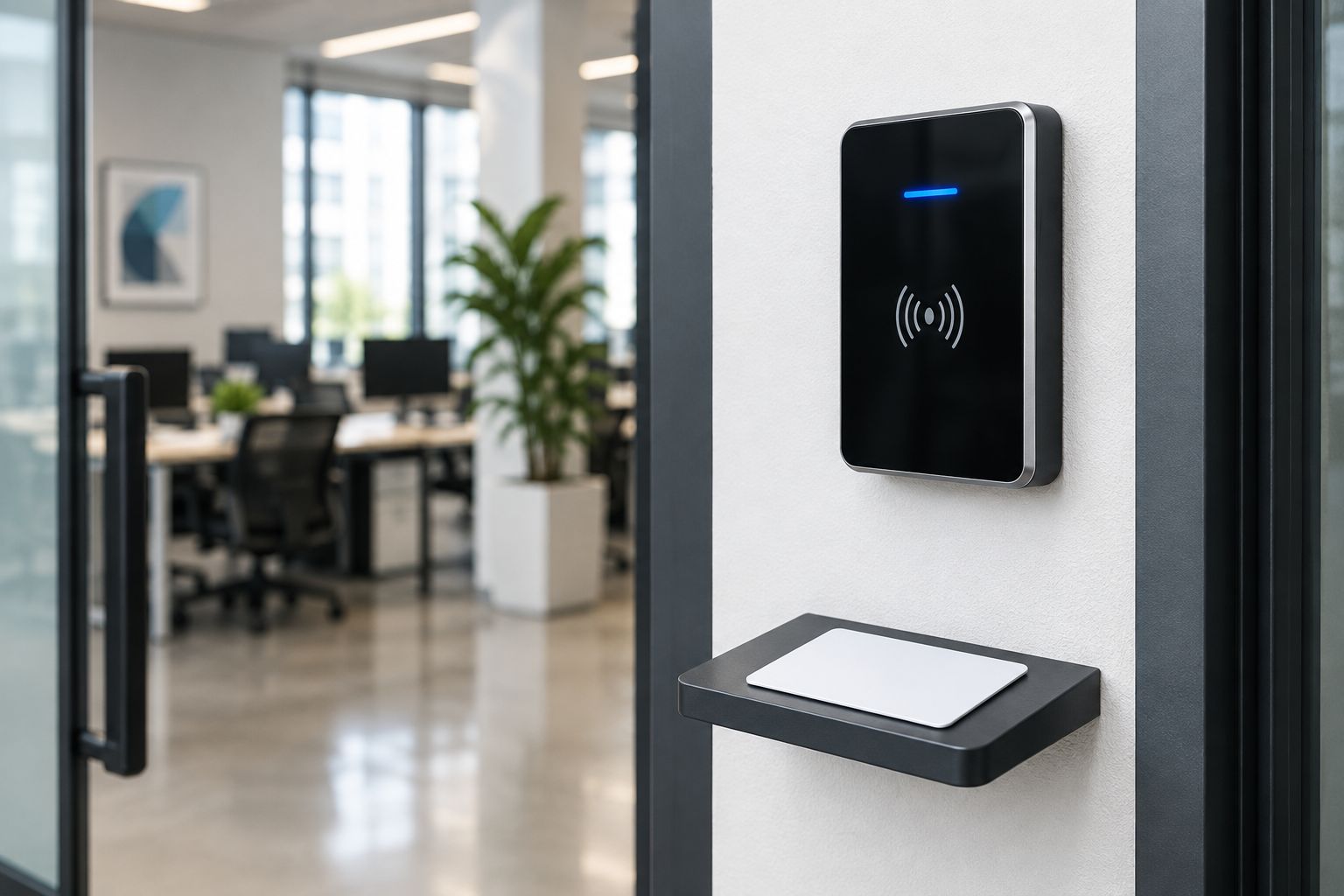
If the same credential will open doors, include each relevant reader in the test. The RFID card reader and door access workflow covers the access-control side of that decision. Door permission and attendance status remain separate rules, even when they use one badge.
Limitations and maintenance
A card records a credential event, not proof of the cardholder’s identity. An employee can lend a badge to someone else. If preventing proxy attendance is a requirement, specify an additional identity check and confirm how the attendance system supports it.
A card also cannot correct a terminal with the wrong clock or an incorrectly configured employee account. When records look wrong, inspect enrolment, time settings and software rules before replacing otherwise functional cards.
Use these maintenance checks:
- Disable lost credentials promptly through the system’s documented process.
- Check bent, cracked or damaged cards before reissuing them.
- Keep the terminal’s time settings aligned with your reporting requirements.
- Protect administrator accounts used to enrol and disable credentials.
- Retest a replacement card type before approving it for general use.
For a 2026 maintenance review, compare the active credential register with current staff records. Remove access for departed employees without deleting attendance history needed by the organisation.
Which NFC card should you choose?
Choose MIFARE DESFire EV3 for a new system that supports authenticated credentials. Choose MIFARE Classic 1K only to maintain a confirmed compatible installation. Choose NTAG213 only for a designed phone-based workflow.
Patsec Security Store serves Kenyan homeowners and businesses seeking security equipment and installations. For attendance-card enquiries, provide the reader model, working-card details and whether the badge must also open doors. Ask for a sample-based compatibility check before committing to a wider order.
If you cannot identify the terminal’s supported credential, pause the card order. The next useful purchase decision is identifying the reader, not selecting a different-looking badge.
FAQ
What are the best NFC cards for time and attendance in Kenya?
The best NFC cards are those explicitly supported by your attendance terminal and software. Choose MIFARE DESFire EV3 for a compatible authenticated system, MIFARE Classic 1K for a confirmed legacy installation, or NTAG213 for a purpose-built phone workflow.
Will any 13.56 MHz NFC card work with my attendance machine?
No. Matching frequency does not establish matching protocol, chip support or credential handling. Check the exact terminal specification and test a sample through enrolment and attendance reporting.
Are 125 kHz staff cards the same as NFC cards?
No. A 125 kHz proximity card is not NFC; NFC operates at 13.56 MHz. Similar-looking badges can require different readers.
Is MIFARE DESFire EV3 better than MIFARE Classic 1K?
MIFARE DESFire EV3 is the better choice for a new installation designed to use authenticated credentials. MIFARE Classic 1K remains a compatibility option for existing terminals, but it has known security weaknesses.
Can one card handle door access and staff attendance?
Yes, when both systems support the credential and its configuration. Test door permissions and attendance reporting separately because a successful door entry does not automatically create the correct attendance event.
Can an NFC card stop staff clocking in for someone else?
No. A card alone cannot stop a colleague from presenting another employee’s badge. Preventing proxy attendance requires an additional identity check and an attendance system configured to use it.
Can I use an NTAG213 card with an attendance terminal?
Only if the terminal explicitly supports that chip and the intended credential format. NTAG213 is useful for configured phone interactions, but opening a check-in page does not authenticate an employee.
What should I send a supplier before ordering replacement attendance cards?
Send the exact terminal model, reader variant and details of an existing working card. State whether the card is for attendance only or also for door access, then request a sample test before a wider order.
One last thing
Keep a labelled, non-active reference card with your equipment records. Record its confirmed chip family and the terminal used to test it. A printed badge design is easy to reproduce; it does not identify the electronics inside.
Products mentioned in this guide are available from Patsec Security Store, including the 125kHz RFID Cards and ZKTeco MB360 Fingerprint Reader.
Related guides
- Biometric time attendance systems in Kenya
- RFID access cards for office buildings
- Biometric time attendance for factories and manufacturing plants